

- Help & Advice
- Buying Guides
- CCTV Cameras for Home
CCTV Cameras for Home: A Practical Buying Guide
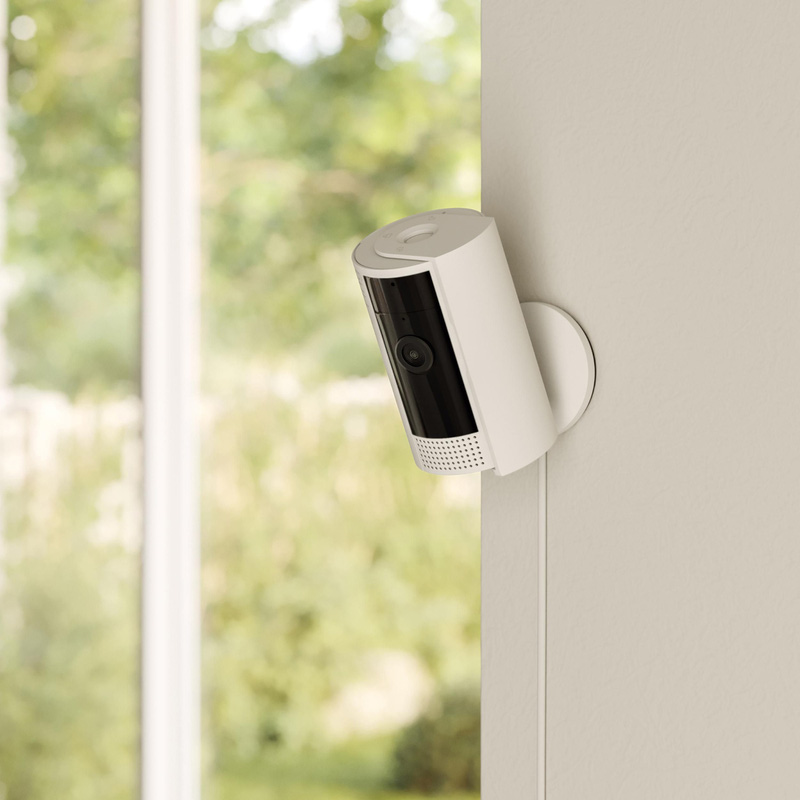
Choosing CCTV cameras for your home comes down to matching the camera type, power source and features to your property’s actual entry points. A dome camera, for example, tends to suit a discreet indoor spot. On the other hand, a bullet or turret camera works well on a visible front wall, while battery powered models make fitting quick and easy where cables aren’t practical.
The right home security setup is the one that covers your actual entry points, works reliably on your Wi-Fi, and gives you footage you can access when you need it.
What CCTV Does and How It Protects Your Home
CCTV, short for closed-circuit television, records footage from cameras placed around your property and sends it to a screen, app or storage device rather than broadcasting it publicly. Modern CCTV camera systems do far more than the old wired setups you used to see bolted to shopfronts. They connect to your phone, alert you to movement, and store footage either on the device or in the cloud.
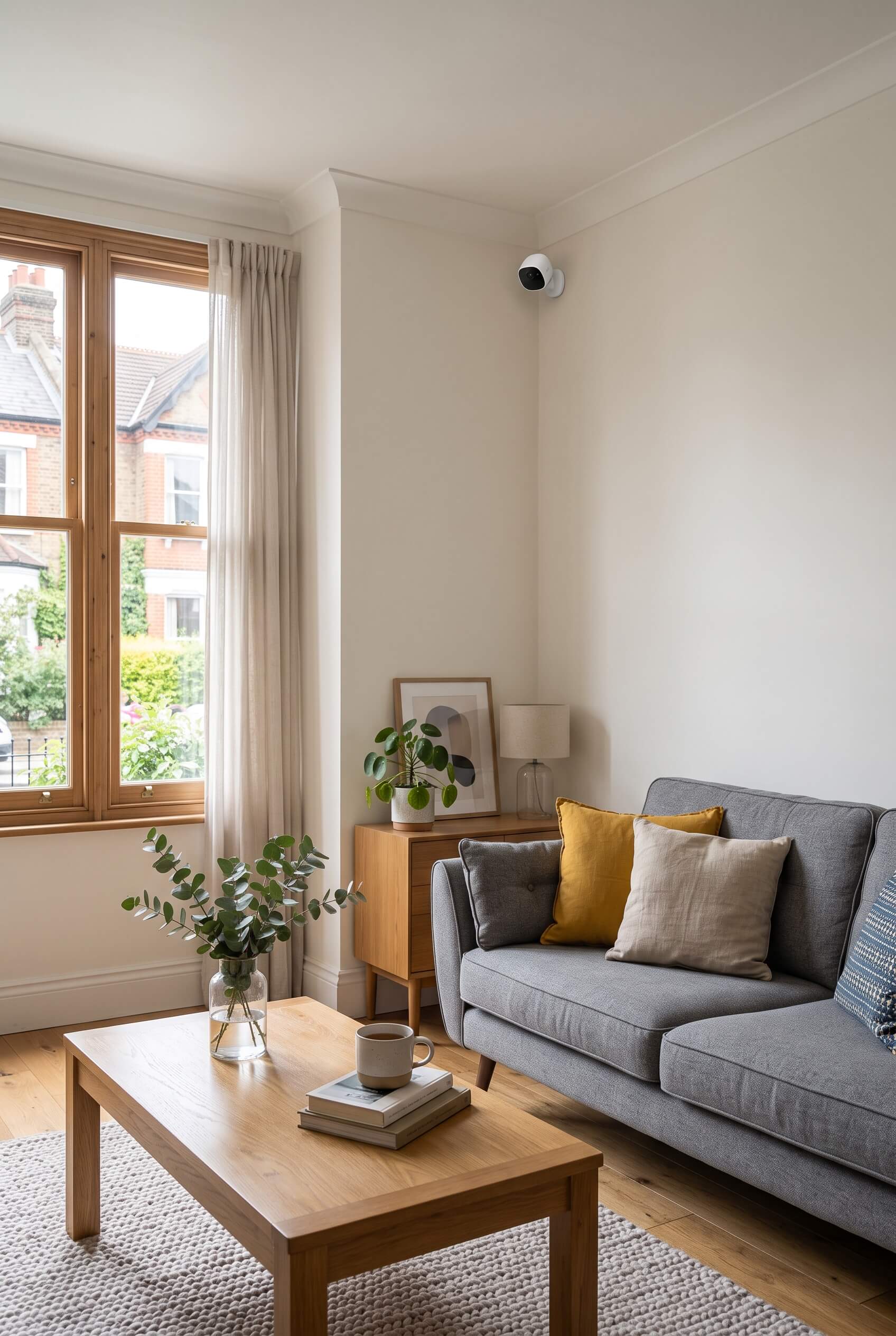
A home CCTV camera captures video and sends it to storage, either a memory card in the camera, a local hub, or a cloud storage account. Many systems now pair with a phone app, giving you live viewing and alerts wherever you are.
When the camera’s sensor detects movement, it can trigger a motion alert straight to your phone. Some cameras record 24 hours a day, filling storage on a continual loop, while others record only when triggered which saves both space and battery life.
Live Viewing, Remote Access and Recording Explained
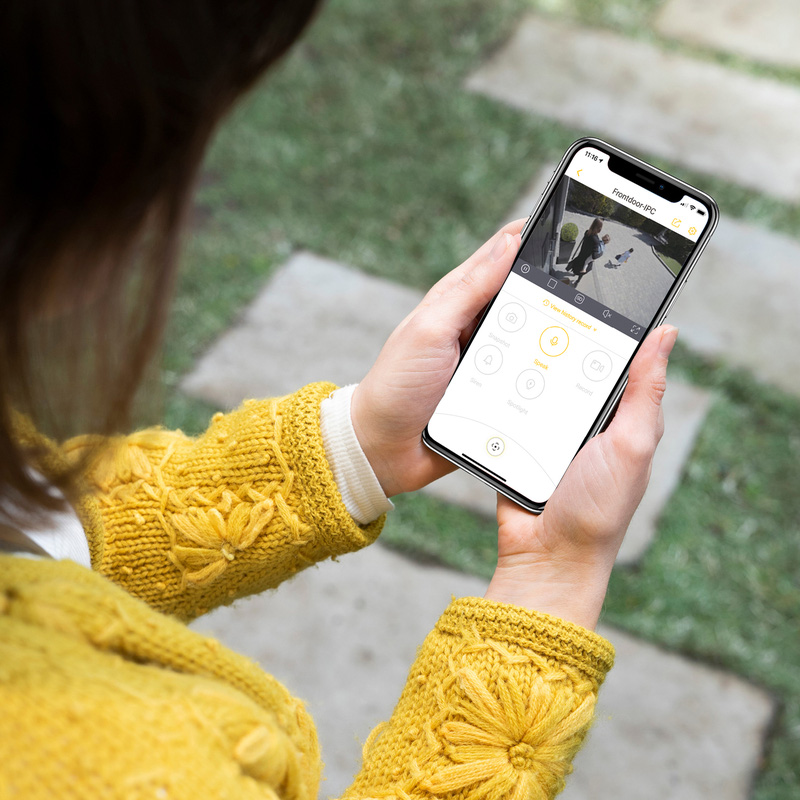
Live viewing is a useful feature that allows you to check your cameras in real time through a phone app, ideal if you want to glance at your driveway or check who’s at the front door. Remote access means you can do this from anywhere with a signal, not just at home.
Recording is separate from viewing. Some cameras only stream live and don’t record unless you pay for cloud storage, others save footage to a local memory card at no extra cost. It's worth checking this before buying, as it affects whether you’ll actually have footage after an incident.
Choosing the Right Camera & Power Setup
The right camera depends on where it’s going, how it’s powered, and whether or not it’s weatherproof. Indoor cameras prioritise discretion, thanks to their compact size, and features like pet or baby monitoring, whereas outdoor cameras need weather proofing and a reliable power source.
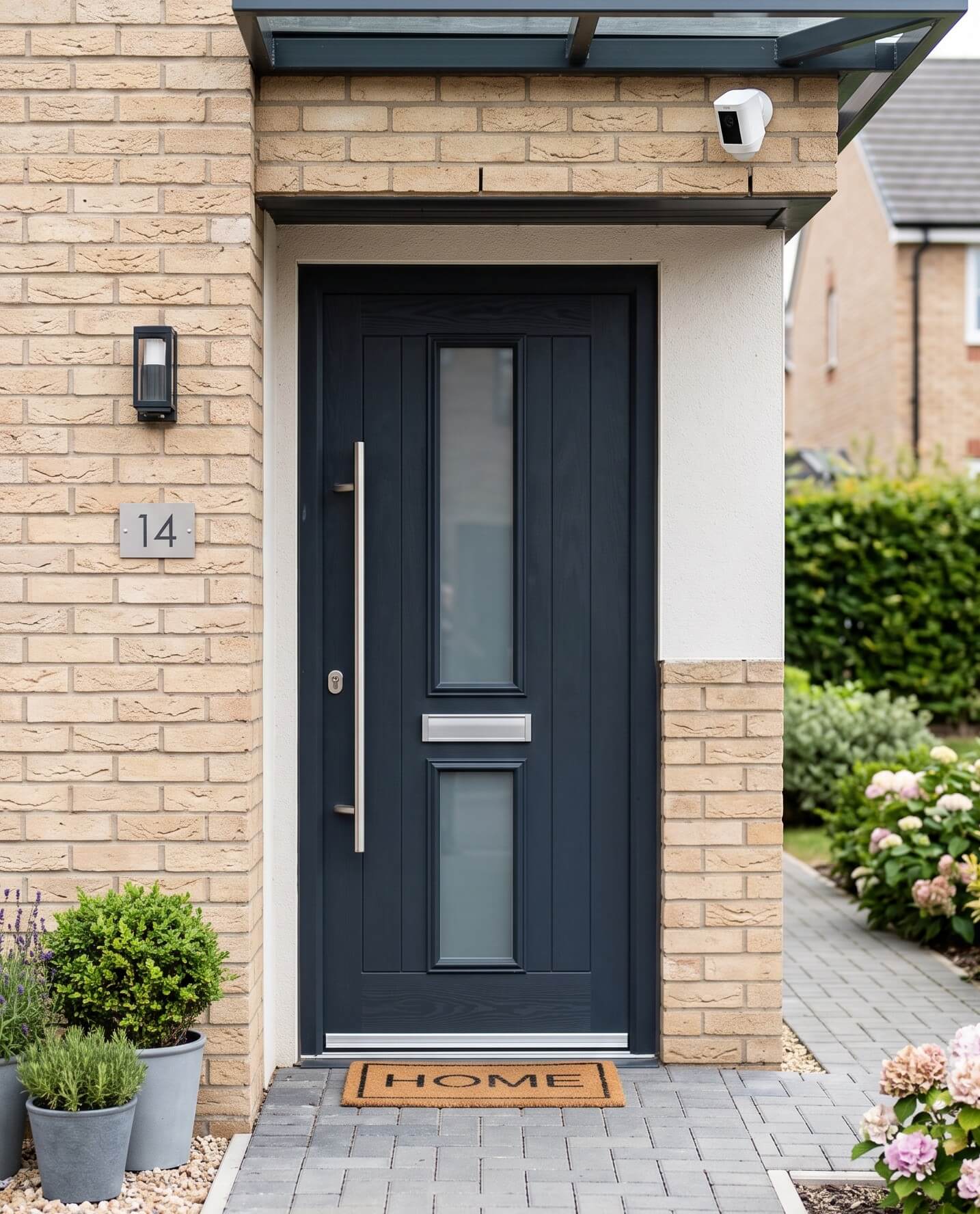
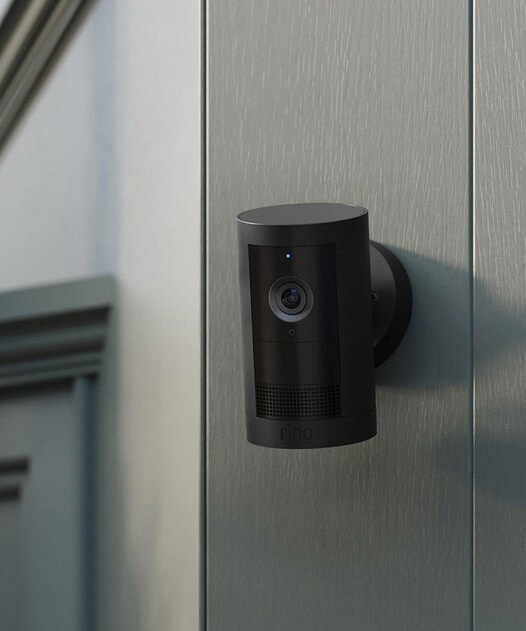
Dome cameras suit indoor ceilings and porches best because their rounded cover can make it harder to see which way the lens points. Bullet cameras are the cylindrical type you’ll spot on house fronts; they’re easy to aim and clearly visible, which some homeowners prefer as a deterrent.
Turret cameras sit in a ball-and-socket mount, giving a wide-angle view without the dome’s glare. PTZ, which stands for pan-tilt-zoom, cameras can be moved remotely to follow activity across a large driveway or garden. However, keep in mind that they tend to cost more and typically suit larger properties than a small terrace.
| Camera Design | Best For | Visibility |
|---|---|---|
| Dome | Indoors, porches | Discreet |
| Bullet | Front door, driveways | Highly visible |
| Turret | Wide, outdoor angles | Visible |
| PTZ | Large gardens, driveways | Visible, moves |
Wi-Fi or Battery Power: Which One is Best?
Wired mains-powered cameras give the most consistent performance because they’re not at risk of running flat. They suit fixed positions like a front door or garage wall where running a cable is pretty straightforward.
Wireless security cameras connect over wifi and run on a rechargeable battery, which makes fitting is easy but you'll need to check charge levels every so often.
A Wi-fi CCTV camera provides a steady and consistent signal. However, keep in mind that if your router sits far from the camera’s position, weak Wi-Fi can cause missed alerts and dropped footage.
CCTV Camera Features to Consider
CCTV cameras offer a range of different features, with popular ones being hi-res video for clear footage and motion detection which activates the camera once movement is detected. Before purchasing a new CCTV system, consider the features below.
Night Vision
Night vision quality varies a lot between models, colour night vision (using a small spotlight) shows more detail than standard black and white infrared.
Two-Way Audio
Two-way audio lets you speak through the camera. This can be useful for warning off an intruder or talking to a delivery driver.
Built-in Alarm
A built-in alarm adds a loud deterrent if the camera detects a genuine threat, and some smart home devices may be compatible so you can check cameras by voice or on a smart display.
High-Resolution Video
Higher resolution makes it easier to identify people, vehicles and other details in recorded footage. 1080p Full HD is a good baseline, while 2K/4MP and above can provide more detail, especially when zooming into footage.
Motion Detection
Motion detection can trigger recording or send an alert when movement is detected. This is particularly useful for outdoor cameras. Keep in mind that basic motion detection can generate alerts from passing cars, animals, trees and other movement.
Wide-Angle View / Pan & Tilt
A wide field of view allows a camera to cover more of an area from a single position. Pan and tilt cameras go further by allowing the lens to move remotely, with some models also automatically tracking detected movement.
Local and Cloud Storage
Check how the camera stores recordings. Some systems use microSD cards, a local DVR/NVR or cloud storage, while others offer a combination. Cloud storage can make footage accessible remotely, but you may need a subscription.
Weather Resistance
For outdoor cameras, look for an appropriate IP rating to protect against things like dust and water. For example, IP65-rated cameras are designed for outdoor use and are well protected against significant rainfall and water spray.
Smartphone App & Remote Viewing
An app lets you view live footage, receive notifications and access recordings from your phone when you're away from home. This is typically one of the most useful features of a modern smart CCTV system.
Privacy Zones
Privacy zones let you block particular areas from being recorded. This can be handy if the camera's field of view includes a neighbour's property, window or another area that doesn't need monitoring.
Where Should You Position Cameras Around Your Home?
Front doors, side gates and driveways are usually the priority spots, because many break-ins start at these places. Aim the camera slightly downward at head height to capture faces clearly rather than the tops of heads.
Back gardens and rear doors need coverage too, particularly if there’s a fence or gate that’s not visible from the street. Avoid pointing cameras directly at busy pavements or neighbouring windows, which raises privacy concerns and can breach data protection rules for recording public spaces.
When it comes to the number of cameras, most terraced or semi-detached houses need three to four cameras: front door, back door, and one covering a side access point of driveway. A flat with a single entrance might only need one camera by the door, while a detached house with a long driveway or large garden may need five or more to avoid gaps.
It’s worth walking around your property and noting every point where someone could gain access unseen, including side gates and ground-floor windows.
Think about your internet connection before adding more cameras that it might be able to handle. Multiple cameras streaming and sending motion alerts at once could strain a weak home broadband connection, resulting in lag or dropped recordings just when you need them.